


You scroll through TikTok and find a recipe video you want to try later. Or you see a workout tutorial on Instagram that you want to save. The problem? You won’t always have internet access when you need these videos.
Social media platforms don’t make it easy to download content. They want you to stay on their apps. But sometimes you need videos available offline.
Why Download Social Media Videos?
You might want to save videos for several reasons. Maybe you’re traveling and won’t have reliable internet. Perhaps you want to create a collection of cooking tutorials or fitness routines. Some people save videos to share with friends who don’t use certain platforms.
Teachers download educational content for classroom use. Content creators save videos for inspiration or reference. Business owners collect product demos and marketing ideas.
The key is having access to content when you need it, not just when you have a strong connection.
The Reality of Platform Limitations
TikTok and Instagram both limit how you can save content. TikTok allows you to save some videos within the app, but creators can disable this feature. Instagram lets you bookmark posts, but you can only view them while online.
These restrictions make sense from a business perspective. Platforms want users to return frequently. They earn revenue from time spent on their apps. Downloaded content doesn’t generate ad views or engagement metrics.
But your needs matter too. You paid for your phone and your data plan. You should control how you access content within legal boundaries.
How Video Download Tools Work?
Third party tools fill this gap. They access publicly available videos and convert them into downloadable files. The process is straightforward.
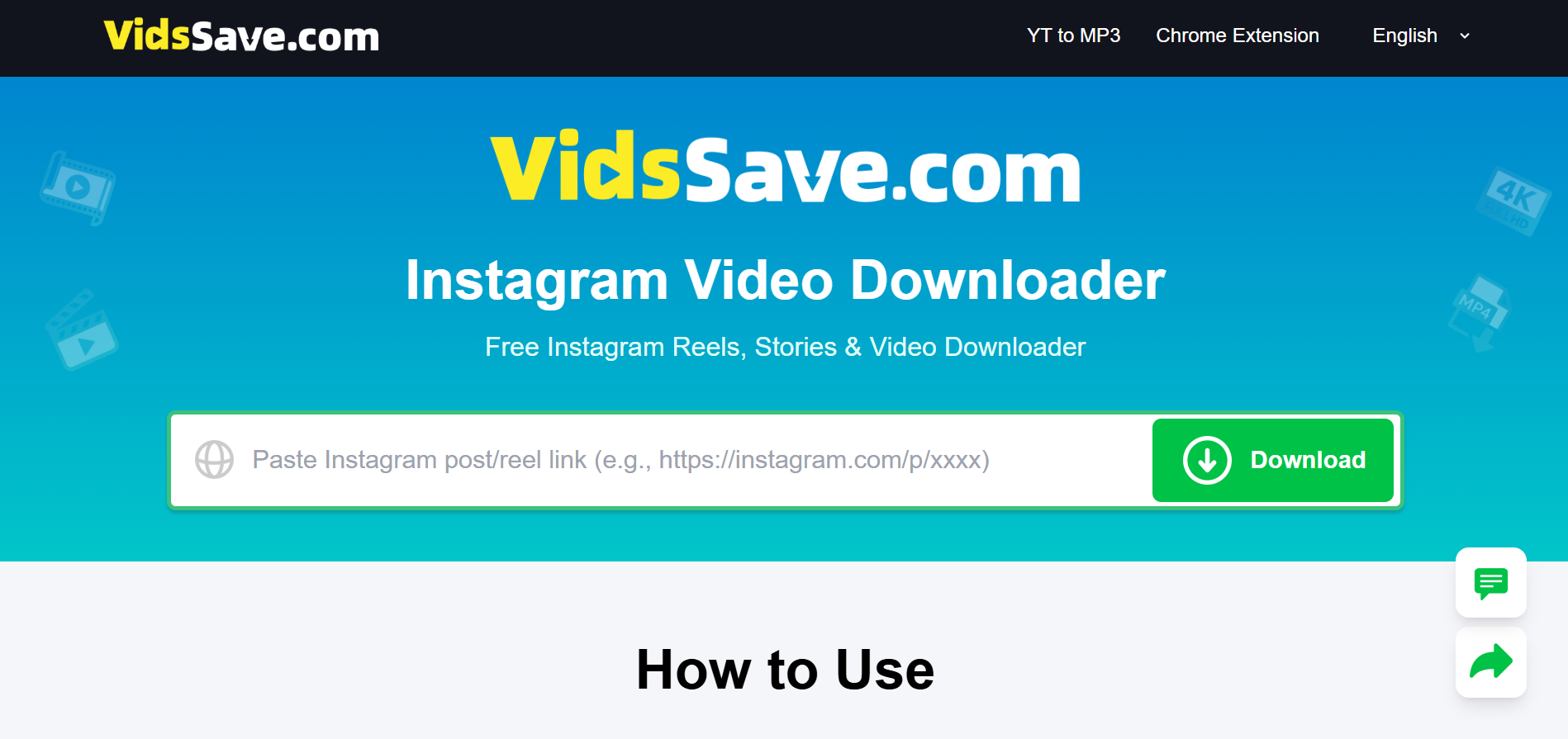
You copy the video link from the social media app. You paste it into a download tool. The tool processes the link and provides a download option. You save the file to your device.
Most tools support multiple formats and quality options. You can choose HD for better viewing or lower quality to save storage space.
Downloading from TikTok
TikTok hosts short videos that range from entertainment to education. When you find a video worth keeping, you need a reliable TikTok video download method.
The process takes seconds. Open TikTok and find your video. Tap the share button and select “Copy Link.” Open your download tool, paste the link, and start the download.
You get the video without watermarks in most cases. The file saves directly to your phone or computer. You can watch it anytime without opening TikTok.
Saving Instagram Content
Instagram combines photos, videos, Reels, and Stories. All of these formats can be valuable to save. An Instagram video downloader handles various Instagram content types.
The method mirrors the TikTok process. Find your content on Instagram. Copy the post link through the share menu. Paste it into your download tool and complete the save.
Instagram videos often contain tutorials, recipes, and how-to guides. Having them saved locally means you can reference them while cooking, exercising, or working on projects.
Practical Uses for Downloaded Videos
Think about real scenarios where saved videos help. You’re on a plane with no WiFi and want entertainment. You’re in a basement gym with poor signal but need your workout video. You’re cooking dinner and don’t want to unlock your phone with messy hands every time the screen times out.
Students save lecture clips for exam review. Travelers download language lessons for offline practice. Parents save kids’ videos to share with relatives who live far away.
Technical Considerations
Video files take up storage space. A one minute HD video uses about 50 to 100 megabytes. Check your available storage before downloading large collections.
Most downloads work on both mobile devices and computers. Mobile saves go to your camera roll or downloads folder. Computer files go to your designated downloads location.
Quality matters. Higher resolution means better viewing but larger file sizes. Match the quality to your intended use.
Respect Creator Rights
Content creators own their work. Just because you can download a video doesn’t mean you should repost it elsewhere or claim it as your own. Download for personal use, not redistribution.
Many creators rely on views and engagement for income. Support them by engaging with their original posts when possible. Downloaded copies work best as backups or offline references.
Your Video Library
Building a personal collection of useful videos makes sense. Organize them into folders by category. Delete videos you no longer need to free up space.
Your saved videos become a resource you control. No algorithm changes or platform updates affect your access. You decide what to keep and how to use it.
