

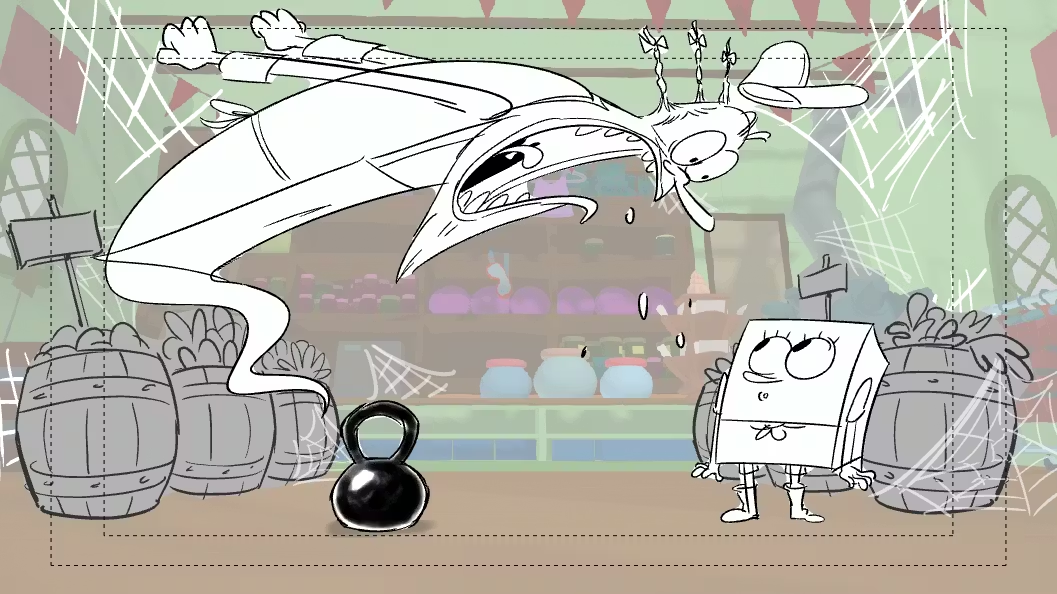
Storyboarding with an e-reader: Let’s talk about the importance of storyboarding. Animation can be a demanding, often tedious process. Not only is it important to create humorous characters, but it’s equally important to create characters that the viewer will remember for the rest of their lives.
The main characters will exhibit distinct manners and a complete non-verbal language through specific keyframes that allow for smooth transitions between movements. Moreover, it is crucial to understand timing by adjusting the animation’s speed and slowdowns simultaneously when the camera moves from point A to point B, as well as when it remains still to allow the viewer to appreciate a beautiful sentence, admire a spectacular matte painting, or enjoy a background accompanied by beautiful music.
To do that, a great animator must spend hours and sleepless nights refining their art behind their computers.
When Animation Affects Health
The animator was brainstorming ways to work harder, but his eye doctor advised him to stop working to protect his eyesight, take a break, and consider a different job. He stopped his work for some years in animation.
One day, he realized that his eye problems had disappeared after using an e-reader and thought, “Why not create software to display images on an e-reader?”
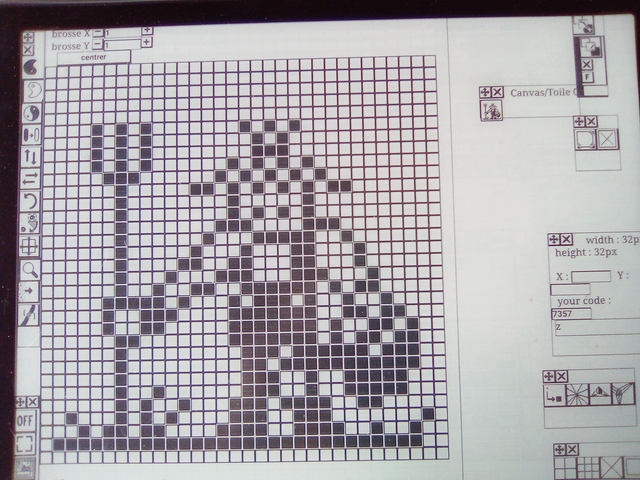
This post tells the story of Jeremie, who initially wanted to hack an e-reader; however, a Chinese company developed a monitor that could display Windows, Linux, and Mac OS, allowing him to draw with a Wacom tablet. But no animation software had a great interface for Eink devices so he decided to make paint software with an interface in black and white.
Early Development of the Web-Based Paint App
After a long brainstorming session on how to do that, the choice to do an anime paint app on a web browser was chosen.
The first feature in 2018 was to draw a rectangle, trace with a rectangle and circle brush; the save system was in PNG and JPEG. The project had twelve buttons. Quickly after the first upgrade, a module to generate symmetry for traces was added as a magnifier to see and draw pixel by pixel.
More features were added, such as a timeline, a system to make texture like marble, a motion curve, a microphone option, and a little MIDI system for music. A new upgrade is coming every six months; the little project becomes bigger and bigger every year and needs a community.
If you are a passionate artist, we encourage you to give it a try! This may help you with your work. You don’t need an e-reader to test, you can test online with a computer and switch after with a big e-reader. The Onyx Boox Tab C or a monitor from Onyx Boox or Dasung PaperlikeHD should to draw correctly without eye strain.
The Design Evolution: Simplicity That Improves Art
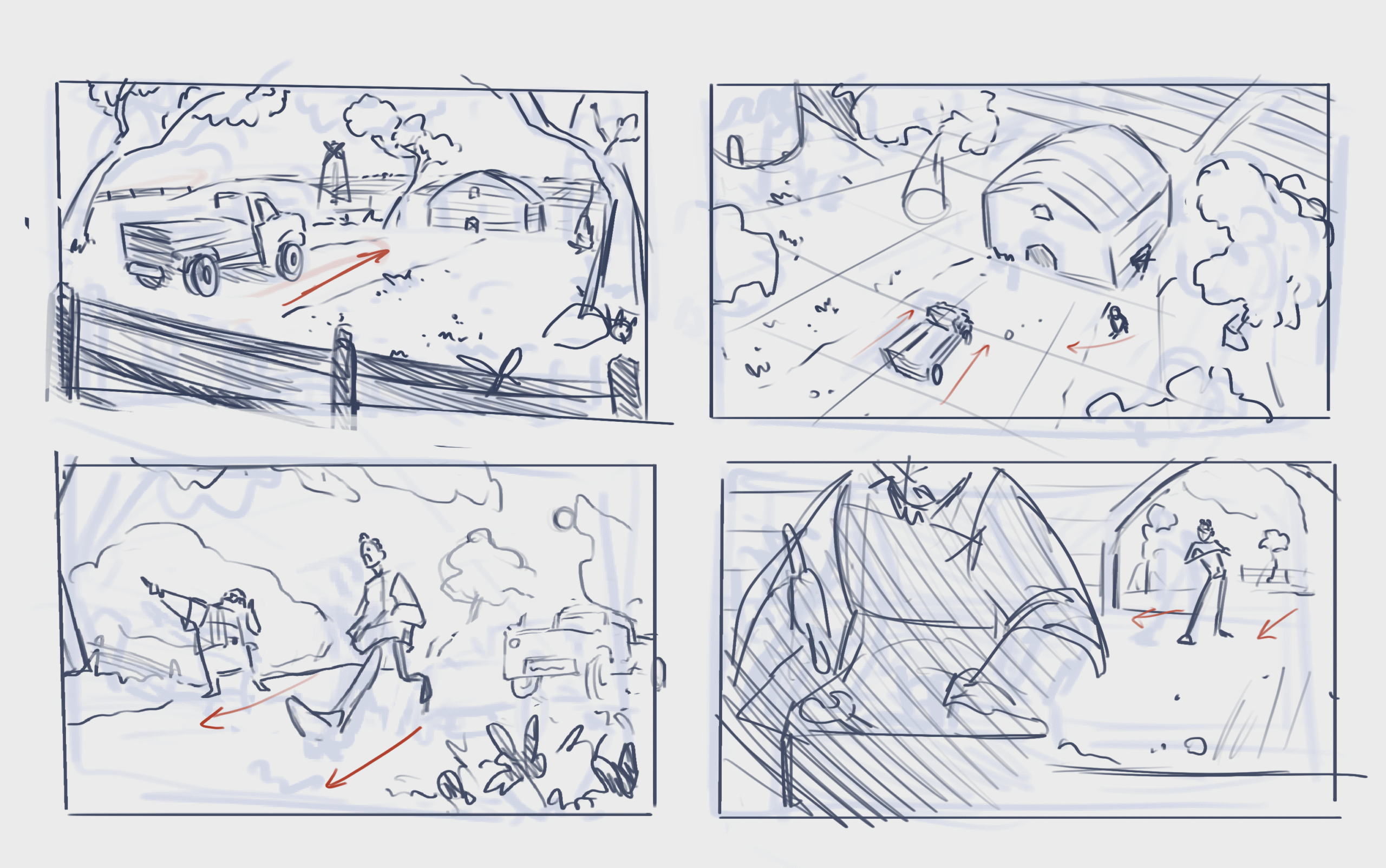
As the project continued to evolve, Jeremie discovered something unexpected: the simplicity of E Ink pushed him toward better design decisions. When an artist works on a traditional monitor, it’s easy to get lost in colors, gradients, effects, and visual noise. But with an e-reader, everything must be deliberate. Every stroke, every panel, every movement has to be clear, readable, and intentional.
This naturally encourages good animation practices, making the user think more like a traditional animator who focuses first on strong shapes and expressive poses. In fact, many animators who tested the app admitted that it felt like returning to the fundamentals, almost as if they were sketching on paper again.
Another surprising advantage of E Ink devices is the psychological shift they create. Regular screens emit light directly into the eyes, contributing to digital fatigue and making long drawing sessions uncomfortable.
E-readers, on the other hand, reflect light like real paper, reducing stress and allowing creators to focus more deeply on their work. Some artists reported that they could storyboard for hours without the usual headaches or burning sensations they get from LED screens. For many, this alone makes the technology worth exploring.
As the software grew, so did the vision behind it. Jeremie began receiving messages from animators, illustrators, comic creators, and even students who were excited about using a lightweight, distraction-free tool.
Some worked full-time in studios and needed a way to sketch ideas on the go. Others were hobbyists who wanted a gentler medium for daily practice. And some were recovering from eye strain or chronic migraines and found E Ink tools to be a lifesaver. All of these voices shaped the roadmap of the project.
The Future: A Platform Built for Creativity and Comfort
Today, the software is not just a drawing app — it is becoming a platform focused on wellness, creativity, and accessibility. Jeremie envisions a future where artists can animate full scenes, collaborate online, create storyboards in shared spaces, and access a clean, minimalistic workspace designed specifically for long, healthy creative sessions. One of the long-term goals is to introduce cloud syncing, so creators can seamlessly move between their computer, e-reader, tablet, or workstation without losing their progress.
More features are also in development, such as advanced timeline controls, onion-skin modes adapted for E Ink refresh rates, better audio tools for voice notes, and an extended MIDI system for planning musical cues. Another exciting idea is a “focus mode” that hides everything but the canvas and turns the e-reader into a pure sketching device.
Conclusion: A Better Way to Create
Ultimately, the heart of the project remains unchanged: to give artists a way to create without harming their eyes. Whether you are an animator seeking a healthier workflow, a student looking for a simple tool, or someone who simply enjoys drawing in a calm, paper-like environment, this software invites you to explore a new way of making art — one that respects both creativity and comfort.
