

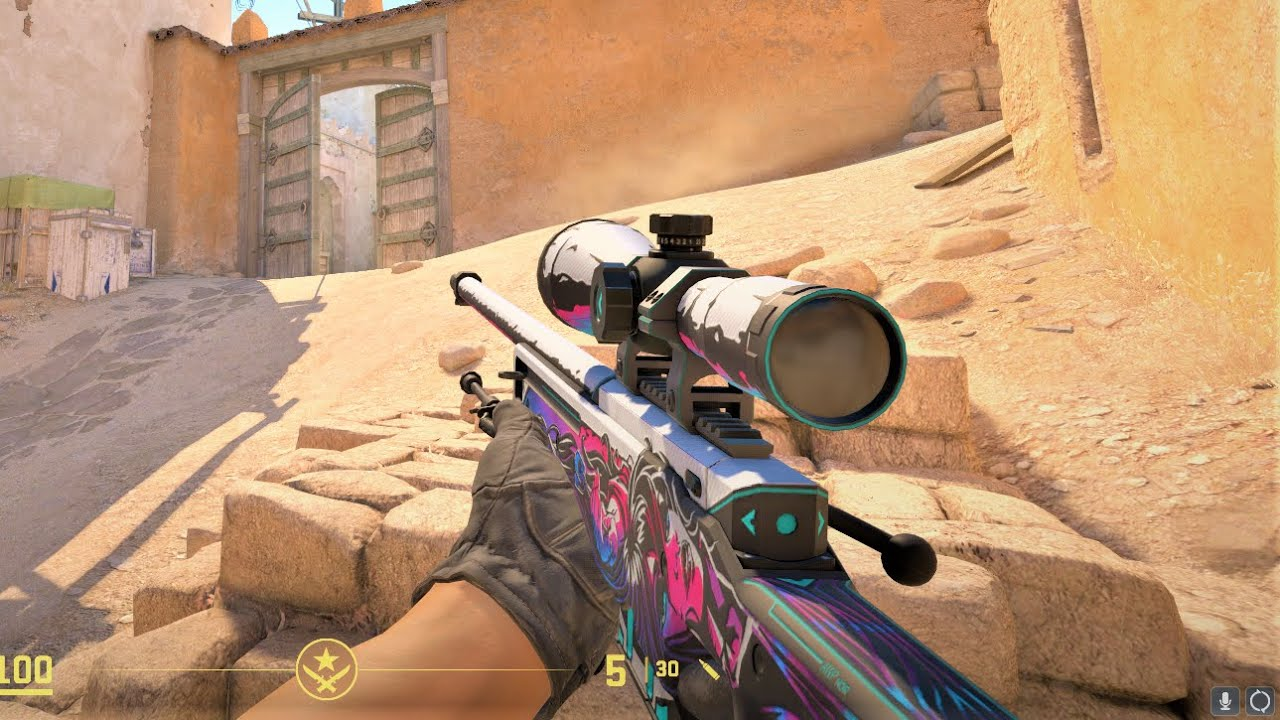
Selling skins in Counter-Strike has become a routine part of how players manage their inventories. Whether the goal is to clear space, upgrade to better items, or simply convert skins into balance, knowing how to sell CS2 skins efficiently can make a noticeable difference.
The process itself is straightforward, but speed and safety depend on understanding where to sell, how to price items, and how to avoid common risks.
Skins move through a player-driven economy where values change constantly. That means selling quickly without losing value requires a balance between timing, pricing, and platform choice.
Some players prioritize speed, while others aim to maximize profit. Ideally, you want both — a fast sale at a fair market price.
Choosing where to sell
The first decision is where to list your skins. The most widely used option is the Steam Community Market, which is built directly into the platform. It offers a simple and secure environment, making it a reliable choice for most players.
However, there are also third-party marketplaces that specialize in skin trading. These platforms may offer faster liquidity or additional payment options, especially for users who want to convert skins into real money.
Each option has trade-offs:
- Steam Market: high security, instant buyer access, but wallet-only funds
- External platforms: more flexibility in payments, but require extra caution
For beginners, starting with Steam is usually the safest approach.
Pricing for a quick sale
If speed is your priority, pricing strategy matters more than anything else. Listing a skin at the highest possible price can lead to long waiting times, while pricing too low means losing potential value.
A common approach is to look at the current lowest listings and price slightly below them. This increases visibility and makes your item more attractive to buyers browsing the market.
To price effectively, consider:
- current lowest listing price
- recent sale history
- number of similar items available
- demand for the skin
Popular skins with steady demand often sell quickly even at competitive prices.
Understanding market demand
Not all skins sell at the same pace. Some items move almost instantly, while others may sit in listings for days or weeks.
High-demand skins typically include:
- widely used weapons like AK-47, AWP, and M4
- visually clean or recognizable designs
- items featured in competitive matches or streams
Less popular skins or those with high wear levels may take longer to sell, especially if the market is saturated.
Timing also plays a role. Market activity can increase during major events, updates, or when new players enter the game.
Selling through third-party platforms
For players who want faster transactions or direct payouts, third-party marketplaces can be an alternative. These platforms often connect buyers and sellers directly or use automated systems to complete trades.
The process usually involves:
- logging in with a Steam account
- selecting skins from your inventory
- setting a price or accepting an offer
- confirming the trade through Steam
Many of these platforms use bots to handle trades quickly, which can significantly reduce waiting time compared to manual exchanges.
However, it’s important to verify the platform’s reputation before using it.
Avoiding common risks
Selling skins online is generally safe when using official systems, but risks can appear when dealing with unknown users or external sites.
Some common issues include phishing attempts, fake marketplaces, or impersonation scams. These usually rely on tricking users into sharing login details or accepting fraudulent trades.
To stay safe, keep these practices in mind:
- always check website URLs before logging in
- never share account credentials
- review trade details carefully before confirming
- ignore unsolicited messages with suspicious links
Most scams depend on rushed decisions, so taking a moment to verify details can prevent problems.
Using Steam Guard for protection
One of the most important security tools available is the Steam Guard Mobile Authenticator. This feature adds a confirmation step for trades and listings, ensuring that only the account owner can approve transactions.
With Steam Guard enabled, even if someone gains access to your account, they cannot complete trades without your mobile confirmation.
For anyone dealing with valuable skins, this feature is essential.
Balancing speed and profit
Selling quickly often means making small compromises on price. The faster you want to sell, the more competitive your listing needs to be.
Some players prefer to list items slightly below market value to guarantee a quick sale. Others monitor prices and wait for demand to rise before selling.
Finding the right balance depends on your goal:
- quick sale → lower price, faster transaction
- maximum profit → higher price, longer wait
Understanding this trade-off helps you make better decisions when listing skins.
Managing your inventory strategically
Regular sellers often treat their inventory as something to manage rather than just collect. Instead of holding onto every item, they decide which skins to keep and which to sell.
Some strategies include selling duplicates, offloading low-demand items, or rotating inventory based on market trends.
Keeping track of your items and their current value makes it easier to decide when to sell and when to wait.
Selling as part of the experience
For many players, selling skins is not just about profit. It’s part of how they interact with the game’s broader ecosystem. Trading and selling allow players to reshape their inventories, experiment with different styles, and stay engaged with the market.
The process becomes more intuitive over time. With experience, players learn how to recognize good pricing opportunities and avoid common mistakes.
A smoother way to trade skins
Selling skins quickly and safely comes down to preparation and awareness. Choosing the right platform, pricing items competitively, and following basic security practices can make the entire process smooth and efficient.
The Counter-Strike skin economy continues to grow because it gives players control over their items. By understanding how to navigate this system, anyone can participate confidently while minimizing risk and maximizing convenience.
