

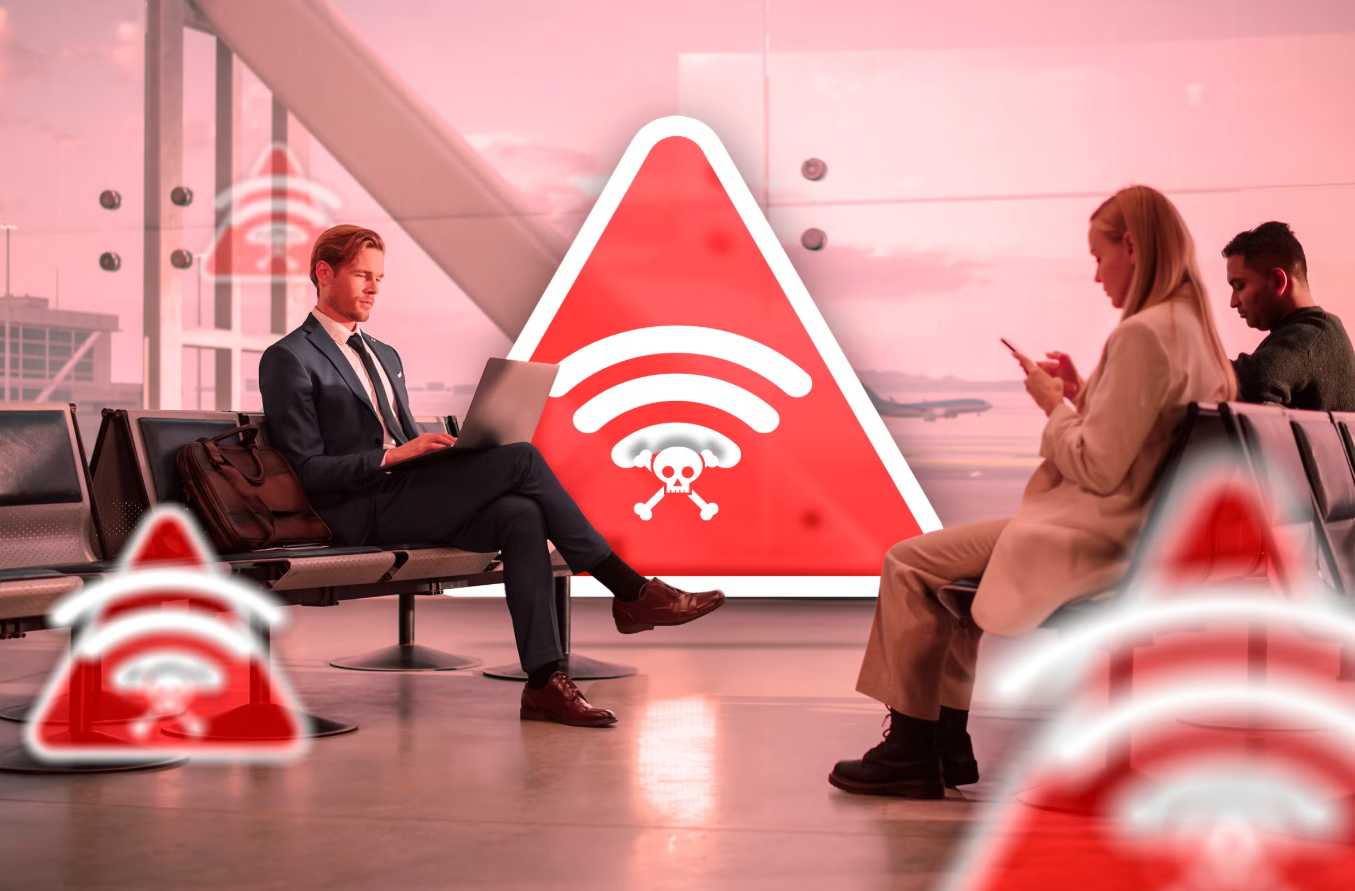
Imagine you take your laptop with you to a public place and want to answer a few urgent emails but realize that you have no internet connection. Going home isn’t an option, so you decide to use the public Wi-Fi available at the place you’re at. But here’s the catch: Public Wi-Fi isn’t always safe.
It often lacks strong security measures, which makes it easier for hackers to intercept your data. When you connect to an unsecured network, sensitive information like passwords, emails, and even credit card numbers can be at risk.
According to Statista, in 2024, about 4 in 10 surveyed U.S. citizens experienced a breach of personal data after using public Wi-Fi at a café. David Lee, a product manager for Norton, told CNBC, “Think about the cost of being connected all the time. Nothing is free. The biggest threat is your data, traffic and identity could be completely exposed.”
So, despite the popular belief that public Wi-Fi is safe, it’s actually not the truth. But let’s dig deeper into this.
The Hidden Dangers of Public Wi-Fi Networks
Man-in-the-Middle Attacks
One of the most common threats on public Wi-Fi networks is the Man-in-the-Middle (MitM) attack. In this scenario, a hacker manages to position themselves between you and the website you’re trying to visit. They can intercept your communications and manipulate them, which could lead to the theft of your personal information.
Hackers can steal authentication tokens from your browser, taking over your session and potentially causing severe data breaches and unauthorized account access.
Malware Distribution
Connecting to the compromised public Wi-Fi can result in:
- Malware installation on your device.
- Hackers disguise malware as fake software updates or infected ads.
- Attackers gain remote access or control over your device through the malware.
File sharing on public Wi-Fi networks is risky, as it allows hackers to plant malware directly onto your device. Once compromised, your sensitive information could be exposed on the dark web.
Rogue Hotspots
Rogue hotspots are malicious Wi-Fi networks set up by cybercriminals, often considered bad actors, to mimic legitimate ones. These rogue networks often:
- Have names similar to the public networks you trust.
- Allow attackers to monitor all your internet traffic once connected.
- Potentially enable attackers to steal sensitive information through a public hotspot.
These deceptive networks are often found in high-traffic areas like coffee shops and airports.
How Hackers Exploit Public Wi-Fi Networks?
Hackers use various techniques to exploit public Wi-Fi networks, including:
Packet Sniffing
Packet sniffing allows hackers to capture data packets transmitted over public Wi-Fi. By eavesdropping on Wi-Fi signals, attackers can see websites you visit, information you enter, and your device’s MAC address.
Packet sniffing software allows hackers to intercept data packets and access your network traffic and internet traffic.
Session Hijacking
Session hijacking involves hackers stealing cookies stored in your browser to take over your website sessions, gaining the same rights as you. This allows them to access your online accounts and sensitive information without your knowledge.
While enjoying a coffee at a shop and browsing social media accounts, a hacker could hijack your session, gaining access to your account and causing significant damage.
Credential Theft
Credential theft is a significant threat to public Wi-Fi networks. Hackers use phishing attacks to deceive you into revealing your login credentials and specialized tools to search for saved passwords. Using a password manager can help protect your sensitive information.
Compromised business login data can lead to severe consequences like hacking and data breaches.
Essential Security Measures for Using Public Wi-Fi
Employing multiple security measures on public Wi-Fi helps safeguard your data and protects against potential threats.
Use a VPN
A Virtual Private Network (VPN connection) is highly effective for securing your public Wi-Fi connection. It encrypts your data, which makes it invisible to eavesdroppers and creates a secure tunnel to keep your information safe from hackers.
A VPN not only protects your sensitive information and credentials but also guards against malware threats exploiting public Wi-Fi vulnerabilities.
Check for HTTPS
HTTPS encrypts your data during transmission, making it difficult for hackers to intercept your information.
Look for URLs starting with “HTTPS” or a padlock symbol in the address bar to identify secure websites.
Turn Off Auto-Connect
Disabling auto-connect on your devices helps you to disable auto-connect to unsafe networks, reducing the risk of exposing your data to potential threats.
Keep Software Updated
Regularly updating your operating system and applications protects against potential vulnerabilities by patching security gaps. For better efficiency, enable automatic updates to promptly close security gaps.
Use Antivirus Software
Antivirus software detects and prevents malware threats on public networks. Robust antivirus software is strongly recommended to safeguard your device from malware threats in public spaces. Combining it with a robust security solution and an ad blocker further enhances your device’s security.
Disable File Sharing
Turning off file sharing protects your sensitive data from unauthorized access on public networks. So, ensure file sharing is turned off before accessing public Wi-Fi networks.
Practical Tips for Safe Browsing on Public Wi-Fi
Avoid Sensitive Transactions
Avoid conducting sensitive transactions, like financial dealings or accessing sensitive accounts, on public Wi-Fi. These activities expose you to risks like data interception and unauthorized access. Logging into sensitive file-sharing services is also not recommended when using public Wi-Fi.
Avoiding sensitive documents protects your personal and financial private information from potential threats.
Log Out After Use
Log out of your online accounts after using public Wi-Fi to enhance security and choose to forget the network to further protect your data from potential threats.
Use Two-Factor Authentication
Two-factor authentication (2FA) adds an extra security layer by requiring a second authentication step, typically a code sent to your phone. This measure ensures your accounts remain protected even if your password is compromised.
Let’s Recap
Public Wi-Fi is super handy when you’re on the go, but it can also put your personal information at risk if you’re not careful.
The good news? With a few simple habits — like using a VPN, avoiding logging into important accounts, and keeping your software updated — you can still enjoy the convenience without worrying about hackers sneaking in. Just a little extra caution goes a long way in keeping your data safe wherever you are.
